WordPress vs Static Site for a Personal Film Blog
By Mahmut Akca · Published · 4 min read
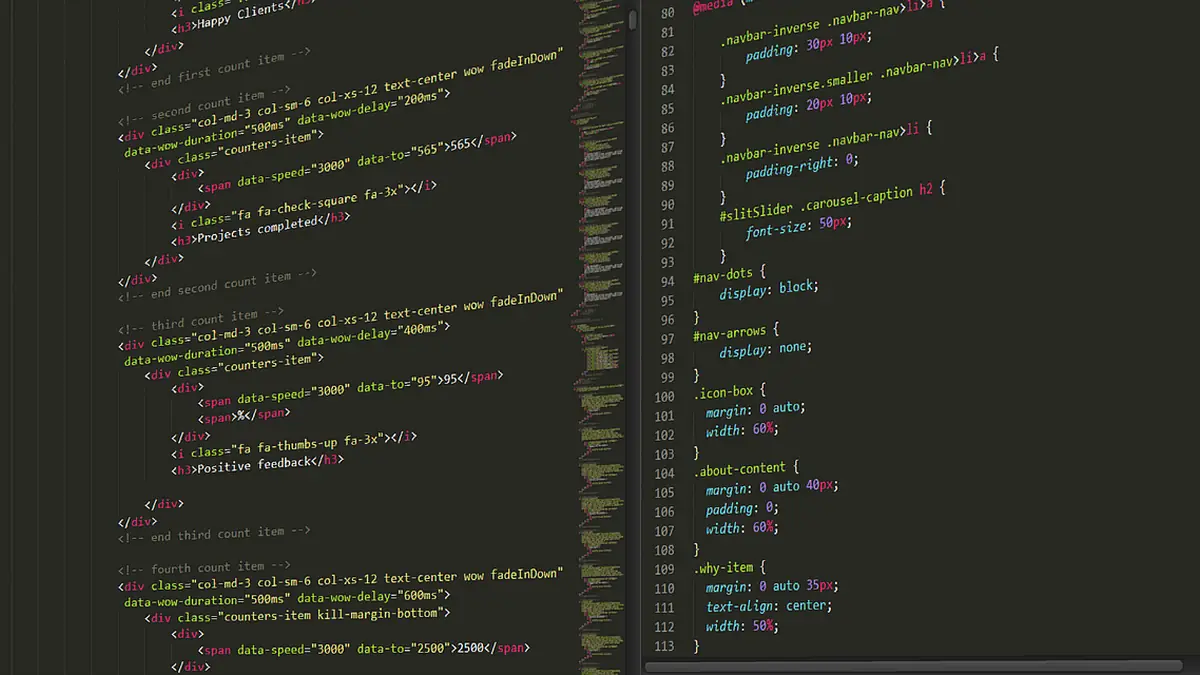
You have a few hundred film reviews, a handful of images per post, and maybe a newsletter. The platform question comes down to how much time you want to spend on upkeep versus how much control you want over every line of code.
This isn't about hype. Both WordPress and a hand-built static site can serve a small review archive well. The right pick depends on your tolerance for updates, your budget, and how often you publish.
What Each Platform Actually Is
WordPress is a content management system that runs on a server with PHP and a database. You log in through a browser, write in an editor, and the site assembles pages on each request. A static site is the opposite: you write in Markdown or a similar format, run a build step, and get plain HTML files ready to upload to any web server or object storage.
That difference drives everything else. WordPress gives you a familiar admin panel and thousands of themes and plugins. A static site gives you speed and security by default, but you need to be comfortable with a terminal, a text editor, and a build script. If you already write in Markdown for notes, a static site will feel natural.
- WordPress: PHP + database, admin dashboard, plugin ecosystem
- Static site: Markdown + build tool (Hugo, Eleventy, Astro), plain HTML output
- Hosting: WordPress needs PHP/MySQL; static files run on almost anything
- Editing: browser vs local text editor
Cost: Hosting, Plugins and Hidden Extras
For a small film blog with modest traffic, shared hosting for WordPress typically costs somewhere between $3 and $12 per month. You will also want a domain, which is usually $10–$20 per year. Plugins for caching, SEO, backups, and security can be free, but a reliable backup plugin or a premium theme might add $30–$80 per year.
A static site can be hosted for free on services like Netlify, Vercel, or Cloudflare Pages, or for a few dollars a month on object storage plus a CDN. Your main cost is time: setting up the build pipeline and learning the templating language. If you value your weekends, that time has a price. For a review archive with a few hundred posts, the cash difference is small, but the maintenance difference is larger.
- WordPress: $3–$12/mo hosting + $10–$20/yr domain + optional premium plugins
- Static: $0–$5/mo hosting + domain; build time is the real cost
- SSL is free on both via Let's Encrypt or host-provided certificates
- Backups: WordPress needs a plugin or host service; static files live in Git
Maintenance and Security
WordPress core, themes, and plugins release updates regularly. Skipping them is how sites get compromised. You should plan on checking for updates every few weeks and testing major version bumps. Security plugins help, but they add another layer to manage. For a personal blog, this is manageable, but it is never zero work.
A static site has no database and no login page, so the common attack surface disappears. The main risks are your build toolchain and your Git repository. If you use a third-party comment system or a newsletter form, those services bring their own maintenance. For many film bloggers, the security argument alone justifies the switch if they are comfortable with the workflow.
Speed and Core Web Vitals
Static HTML files are fast because the server just sends a file. WordPress can be fast too, but it usually needs a caching plugin, a CDN, and some tuning. Film blogs are image-heavy, so image optimization matters more than the platform. A well-optimized WordPress site can beat a poorly built static site, but the static site starts with fewer moving parts.
If you care about Core Web Vitals, focus on image formats, sizes, and lazy loading before you blame the CMS. A static site makes it easier to keep the HTML lean, but you still need to resize and compress posters and stills. For a review archive, the biggest wins come from serving appropriately sized images and avoiding layout shift.
- Static: fast by default, but watch image weight
- WordPress: caching and CDN usually needed for top speed
- Both: use WebP/AVIF, set width/height, lazy-load below the fold
- Test with real pages, not just the homepage
Writing Workflow and Features
WordPress wins on out-of-the-box features: scheduled posts, categories, tags, search, comments, and a media library. If you want to publish from your phone or collaborate with a co-writer, the browser-based editor is hard to beat. Plugins can add review scores, star ratings, and structured data without custom code.
A static site gives you a clean writing environment if you like Markdown and Git. You can build custom shortcodes for review scores, but you will write more code. Comments need a third-party service like Disqus or Utterances. For a solo film blogger who writes on a laptop, the static workflow can be faster once set up, but the initial setup is real work.
| Item | WordPress (shared hosting) | Static site (Netlify/Cloudflare) |
|---|---|---|
| Hosting | $36–$144 | $0–$60 |
| Domain | $10–$20 | $10–$20 |
| SSL | $0 (Let's Encrypt) | $0 (included) |
| Backups | $0–$50 (plugin or host) | $0 (Git history) |
| Premium theme/plugins | $0–$80 | $0–$50 (optional tools) |
| Maintenance time | 2–5 hours/month | 0–1 hour/month after setup |
When to Choose Which
Choose WordPress if you want to publish quickly, need a familiar admin interface, or plan to add features like user accounts or a forum. It is also the safer choice if you are not comfortable with a terminal. The maintenance burden is real but predictable, and the ecosystem solves most problems you will encounter.
Choose a static site if you are comfortable with Git and Markdown, want minimal security risk, and value speed without tuning. It suits a personal archive that changes a few times a month. If you also sell prints or zines, you can bolt on a storefront later, but you may need to think through checkout and inventory separately.
- WordPress: frequent publishing, non-technical users, feature-rich needs
- Static: solo writer, low-maintenance priority, technical comfort
- Hybrid: WordPress with a static front-end plugin adds complexity
- Migration is possible but plan for redirects and image URLs
- WordPress is faster to launch and easier for non-technical writers, but requires regular updates and backups.
- A static site cuts security risk and hosting cost, but demands comfort with Markdown and a build step.
- For a small film review archive, image optimization matters more than the platform for speed.
- If you sell extras like prints or zines, plan the checkout separately from the blog platform.
Mahmut has spent years writing about film and building small websites by hand, often in the same week. He focuses on practical web design decisions, hosting choices and image handling for content-heavy blogs. His reviews lean toward documentaries and independent cinema.